
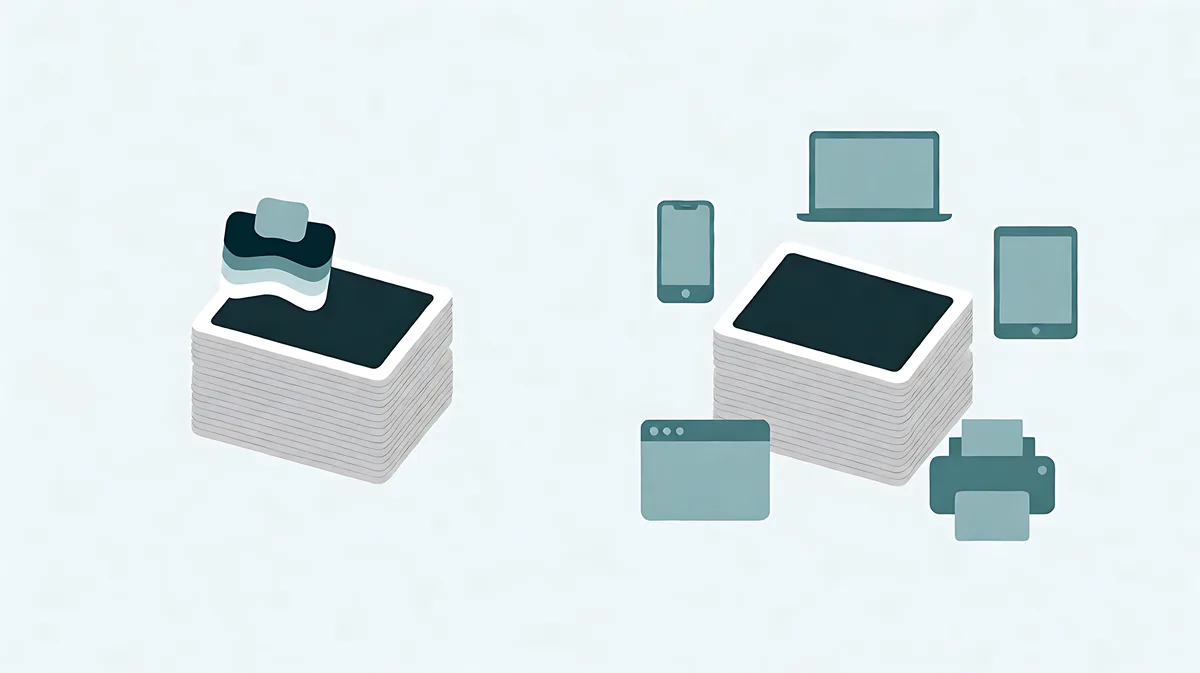
What HEIC buys you
HEIC uses a newer compression method than JPG, so a photo at a comparable visual quality takes fewer bytes. On a phone that matters for storage, and it matters again when you are uploading over a capped connection. Apple also keeps the file readable in its own ecosystem, where the decoder is installed on every device.
Where it stops working
HEIC support is a per-application decision, not an operating system one. Windows needs a component to read the format at all, older image viewers reject it, many web forms list only JPG, PNG, and GIF in their accepted types, and some email clients will not preview it. A file that is technically superior is worth nothing if the person on the other end cannot open it, which is why the export choice is about the recipient rather than the format.
Convert a copy, keep the original
When the destination is another person or an unfamiliar website, convert. A converter re-encodes the picture into a format the receiving software already understands, and the right way to do it is on a copy: the HEIC original is your highest-quality source, and every later edit should start from it rather than from a converted JPG. You can read a photo in your browser here, choose JPG or PNG as the output, and download a new file — the browser's own decoder handles the modern formats where it supports them, and nothing is sent to a server.
Choose the output format by destination
JPG is the safe answer for photographs going anywhere you do not control. PNG is the right choice when the image needs transparency or has flat, sharp graphics, and it will be larger for a photo. WebP is usually smaller again for web pages but is a format the receiving system has to accept, so test it where it will actually be used. If a recipient cannot open what you sent, re-export the same picture as JPG from this page rather than arguing about the standard.
Quick checklist
- Keep the HEIC original; convert a copy for the destination.
- JPG when the recipient or form is unknown.
- PNG only when transparency or flat graphics are the point.
- WebP after checking that the receiving system accepts it.
Try the related tool
Use the guide’s decision with a copy of your own image. The tool runs in this browser and leaves the original file unchanged.
Convert Image